WARDOGS Community: Discord, Steam and FirstLook
Find the WARDOGS Community through Discord, Steam Community, FirstLook, official announcements, and feedback channels with clear source and status labels.
Where is the WARDOGS Community?
The main WARDOGS Community entry points are the official Discord, Steam Community hub, FirstLook signup and login pages, Steam announcements, and publisher videos. Each channel has a different job: announcements carry dated developer information, Steam Community combines news with player discussion, Discord carries live conversation, and FirstLook handles account and playtest registration. Keeping these roles separate makes it easier to tell a current instruction from a community question.
This page is an index, not a copy of live chat. Discord and Steam discussions can change quickly, and a player post is not automatically a developer statement. Follow the linked channel, note the date and author, and treat access, server, account, or key claims as not published until an official source confirms them.
What does Steam Community provide?
The WARDOGS Steam Community hub brings together announcements, discussions, screenshots, artwork, broadcasts, videos, news, guides, and reviews. It is the broadest public archive for finding dated updates and seeing the questions players are asking. The hub description presents WARDOGS as a tactical all-out-warfare FPS with three teams, a Control Zone, a destructible battlefield, and a cash-driven loop.
Use the announcement tab for developer posts such as the Closed Beta schedule, Beta Recap & Next Steps, preorder information, level-design and performance updates, and gameplay trailer notices. Use discussions, guides, and reviews as community material, with the author and publication date visible. A player report can suggest a useful FAQ topic, but it should not silently become a rule, promise, or troubleshooting guarantee.
Patch 0.11 added a separate Community Server browser with text search, improved filters, and a direct Server ID join flow. Update 0.1.2 now adds Official, Community, Infantry Mode, and Low-Level choices to DEPLOY. The Community Server Browser guide explains how to open the current flow, find the ID in a server’s details panel, and share the six digits with a squad.
How should you follow official announcements?
The official Steam announcement archive is the chronological source for access notices, preloads, server scaling, NDA changes, development checkpoints, and Early Access communication. Finished Closed Beta announcements remain useful history, but they are not current invitations. A roadmap target remains planned until a later update confirms that it shipped.
When an announcement mentions Discord, X, YouTube, or a future showcase, use the linked post as the primary source and the other channel as supporting context. Record the post date and the build or event it describes. This prevents a historical test schedule from appearing in a current playtest guide.
The latest official Steam feed records Closed Beta 02 on September 1, the FPS Games Show timing, and the September 5 notice that opened the beta more widely until Sunday at 08:00 UTC. A separate pinned developer post on September 4 says Linux support is still not guaranteed for the Early Access launch. These dated notices should be treated as historical status updates after their windows close, not as permanent access instructions.
What is the official Discord used for?
The WARDOGS Discord invite is the live community entry point linked from official WARDOGS materials. The invite metadata describes an in-development tactical all-out-warfare FPS and identifies the server as WARDOGS. The invite page itself does not expose the current channel rules or verification flow in the collected material, so those details must be checked inside Discord when needed.
Use Discord for current announcements, feedback, bug reports, and player conversation according to the server’s live rules. Do not copy a changing channel list, member count, or verification instruction into a permanent article without a dated check. Ordinary chat, LFG, rumors, and screenshots should be labeled community content rather than official policy.
How does FirstLook fit into the community?
The FirstLook signup page is the official registration route for future WARDOGS playtesting. It asks players to wishlist WARDOGS on Steam and join the Community Discord to maximize their chances for a Pre-Alpha invite, while warning that slots are extremely limited and that feedback and bug reports are part of the test purpose. Signup creates interest; it is not a guaranteed invitation.
Registered players use the FirstLook login page to reach a dashboard. The collected page lists Discord, Steam, Xbox, PlayStation, and email login options. Login is an account step, not an Alpha Key generator or proof that an account has a Steam entitlement; any current invitation wording should be read from the dashboard and official email.
How should players use community feedback?
Community posts are valuable for discovering questions about Linux support, keybinds, towers, refunds, regional groups, server issues, and bug reports. They are not automatically proof of a game rule, roadmap commitment, or universal fix. A responsible FAQ links the original post, identifies whether the author is a player or developer, and adds an official answer only when one exists.
Separate the page into official updates, account and access links, and player discussion signals. This layout lets a reader act on a verified signup or announcement without mistaking a rumor for a requirement. If the official answer is missing, say not published and link the question for follow-up rather than filling the gap with a guess.
Where do videos fit?
Publisher videos are another community touchpoint, especially when a developer explains Early Access direction or invites feedback. The Early Access & Beyond discussion covers the team’s identity, future meta-game ideas, community expectations, and ongoing development; it describes direction rather than a complete live feature list. The Reveal Trailer provides broad product context but not current account status.
Use the video title, publisher, publication date, and source link when sharing it. Automatic captions can contain errors, so do not publish a long transcript or turn future-tense plans into current promises. Pair the video with a dated Steam or Team17 update whenever the player needs an actionable instruction.

WARDOGS | Early Access & Beyond
Community checklist
Start with Steam announcements for dated developer information, then use the Steam hub for discussions and guides. Use Discord for live conversation under its current server rules, and use FirstLook signup or login for account and test status. For every claim, record whether it is official, a visible test observation, or community discussion, and record when it was last checked.
The direct answer is that the WARDOGS Community is a network of official entry points rather than one forum. Steam and Team17 establish the source hierarchy, Discord provides live conversation, FirstLook handles signup and dashboard access, and videos explain development context; none should be used to invent access guarantees or undocumented game values.

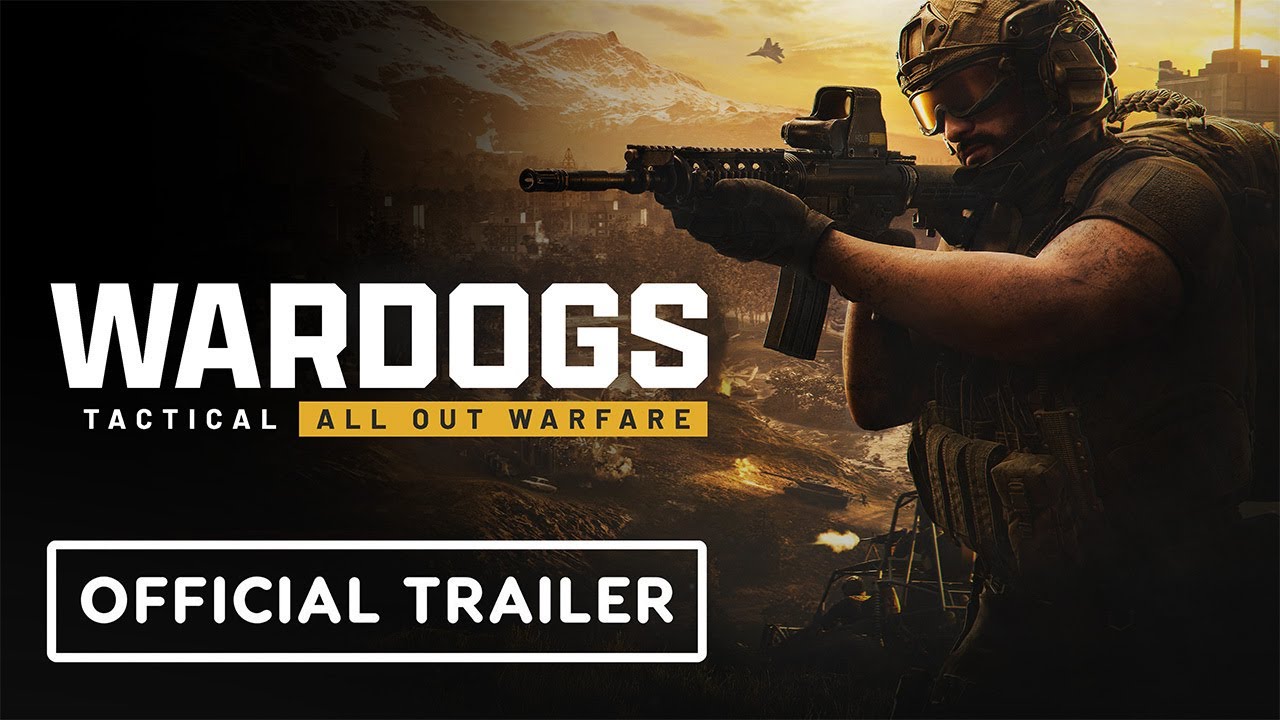
WARDOGS | Reveal Trailer - Team17
Sources
- WARDOGS Steam Community
- WARDOGS Official Announcements
- WARDOGS FirstLook signup
- WARDOGS FirstLook login
- WARDOGS Discord invite
- WARDOGS | Early Access & Beyond
- WARDOGS | Reveal Trailer
(Guide information is for reference only.)
Related Articles
guides
WARDOGS Community Servers: Server Browser and Server ID Guide
Learn the current WARDOGS DEPLOY server flow, join by Server ID, find friends, use Official and Community filters, and choose Infantry or Low-Level servers.
mechanics
WARDOGS Cash Guide — How to Make Money in WARDOGS Fast (2026)
Use the safest WARDOGS cash routes in Season 1: spotting, revives, objectives, transport, logistics, and Hot Zone play, with beta payout warnings.
release
WARDOGS Alpha Key: How to Verify Test Access
Learn how WARDOGS Alpha Key access worked, where official invitations appear, and why Steam requests, FirstLook signup, and third-party codes are not the same.
Was this helpful?
Thanks for the feedback!